
Custom PCs in Montreal
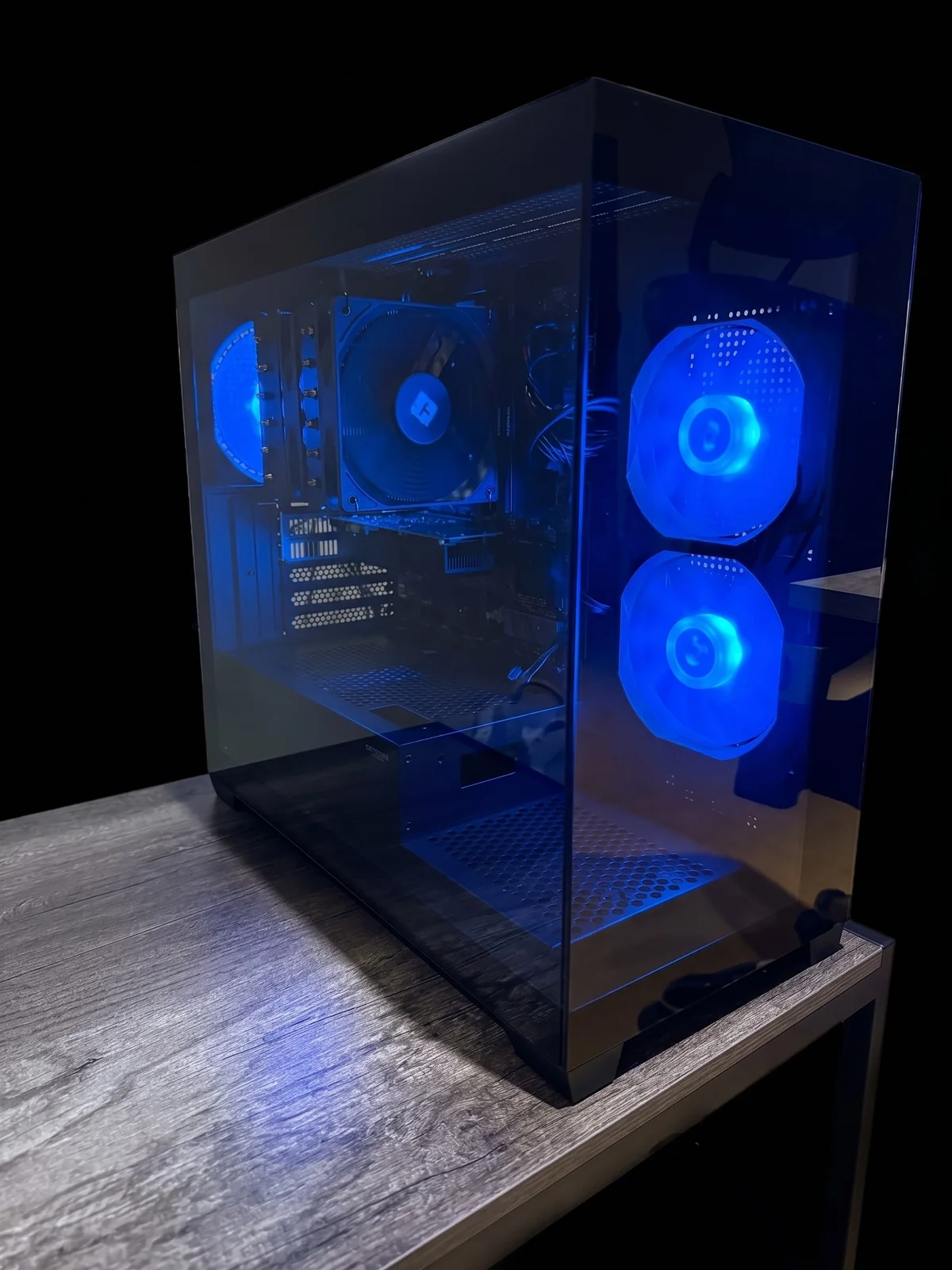

Montreal and nearby areas · Local service
Custom PCs in Montreal
Gaming PCs for 1440p/4K, multi-monitor trading workstations, or an AI-Box for local LLMs: I help you choose the right parts, assemble the system, configure it, and test it before delivery.
The prices shown cover labour only. Parts are extra: you buy them yourself, or I supply them at cost on the same invoice. Home or business installation is available within the agreed service area.
- Compatible parts chosen with you
- Load-tested before delivery
- Support after installation
Services
Four starting points, based on how you will actually use the machine
Custom PC assembly
A configuration built around your budget, preferred parts, and how long you want the system to stay useful.
Gaming PCs
A ready-to-play build designed around your games, resolution, monitor, and target performance level.
Multi-monitor trading
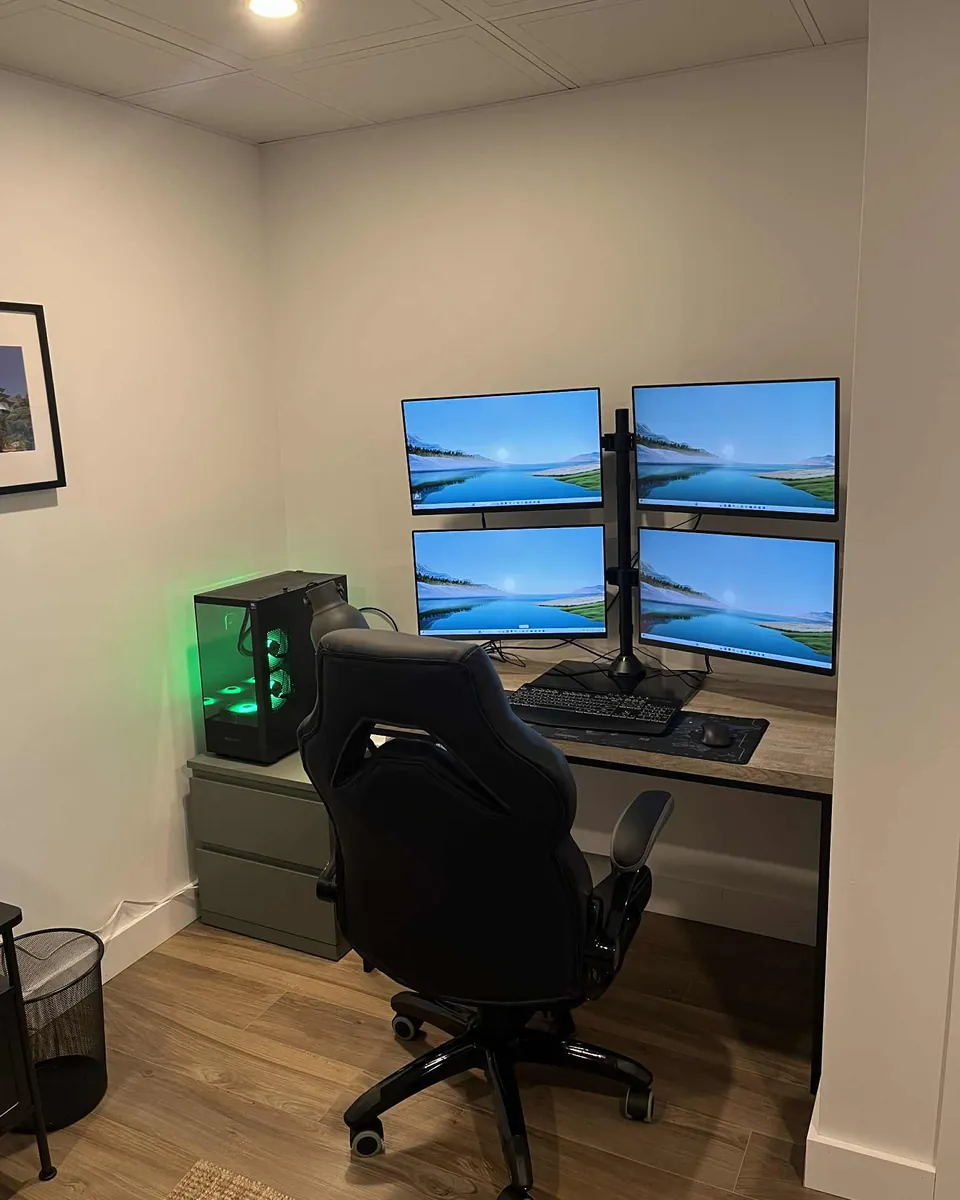
A stable workstation for three, four, or six displays, with clean cabling, drivers, and display layout configured properly.
AI-Box and local AI workstations
A local AI box with one or two GPUs, designed to run LLMs, creative tools, or AI workloads without relying only on the cloud.
Transparent pricing
Three labour packages, with a turnkey option
Each package covers my work: part selection, assembly, configuration, testing, and support. Parts are not included in these amounts. You can buy them yourself, or I supply them at cost on the same invoice, with labour listed separately. For the full total, see the typical range for a complete project.
Gaming Performance
$550
Labour only
For a standard gaming PC: part selection, clean assembly, BIOS, Windows, drivers, testing, and optional installation.
3 to 6 displays
Trading Multi-Monitor
$650
Labour only
For a multi-monitor trading setup: cabling, calibration, workspace configuration, and extended stability testing.
AI-Box / Advanced Project
Starting at $950
Labour only
For a local AI workstation, a one- or two-GPU build, watercooling, compact form factor, low-noise system, custom cables, or unusual configuration.
Typical range for a complete project: parts + labour
The three amounts above are labour. The ranges below include both the parts and the labour, before taxes, delivery, and availability changes.
| Part tier | Typical total | Best suited for |
|---|---|---|
| Entry-level | $1,500 to $2,200 | 1080p or light 1440p gaming, family use, or a simple compact workstation. |
| Mid-range | $2,200 to $3,800 | Solid 1440p gaming, entry/mid-range 4K, a durable everyday machine, or a more comfortable workstation. |
| High-end | $3,800 to $8,000+ | High-FPS 4K gaming, PCVR for virtual reality headsets, a one- or two-GPU AI-Box, watercooling, or multi-monitor trading with peripherals. |
Included in every package
- Needs and budget analysis
- Compatible component list chosen with you
- Complete assembly and tidy cable management
- BIOS, XMP or EXPO, Windows, and drivers configured
- Load testing before delivery
- Home or business installation within the included service area
The difference
What you get beyond a prebuilt PC
Parts you understand
You know what you are buying and why it fits your real use case.
A complete configuration
BIOS, memory, drivers, and thermal settings are not left untouched at factory defaults.
Real testing
The system runs under load before it leaves the workshop.
Human support
You speak with the person who chooses, builds, delivers, and supports your computer.
Simple and transparent
From idea to installation in four steps
- 1
We clarify the need
Games, software, number of monitors, total budget, and whether you prefer client-supplied parts or a turnkey build.
- 2
You approve the configuration
I provide a component list and a clear quote. A deposit is required before parts are ordered.
- 3
I build and test
Assembly, cabling, configuration, and load testing are completed in my workshop.
- 4
We put the system into service
Home or business installation if requested, first boot with you, then the support period begins.
Recent work
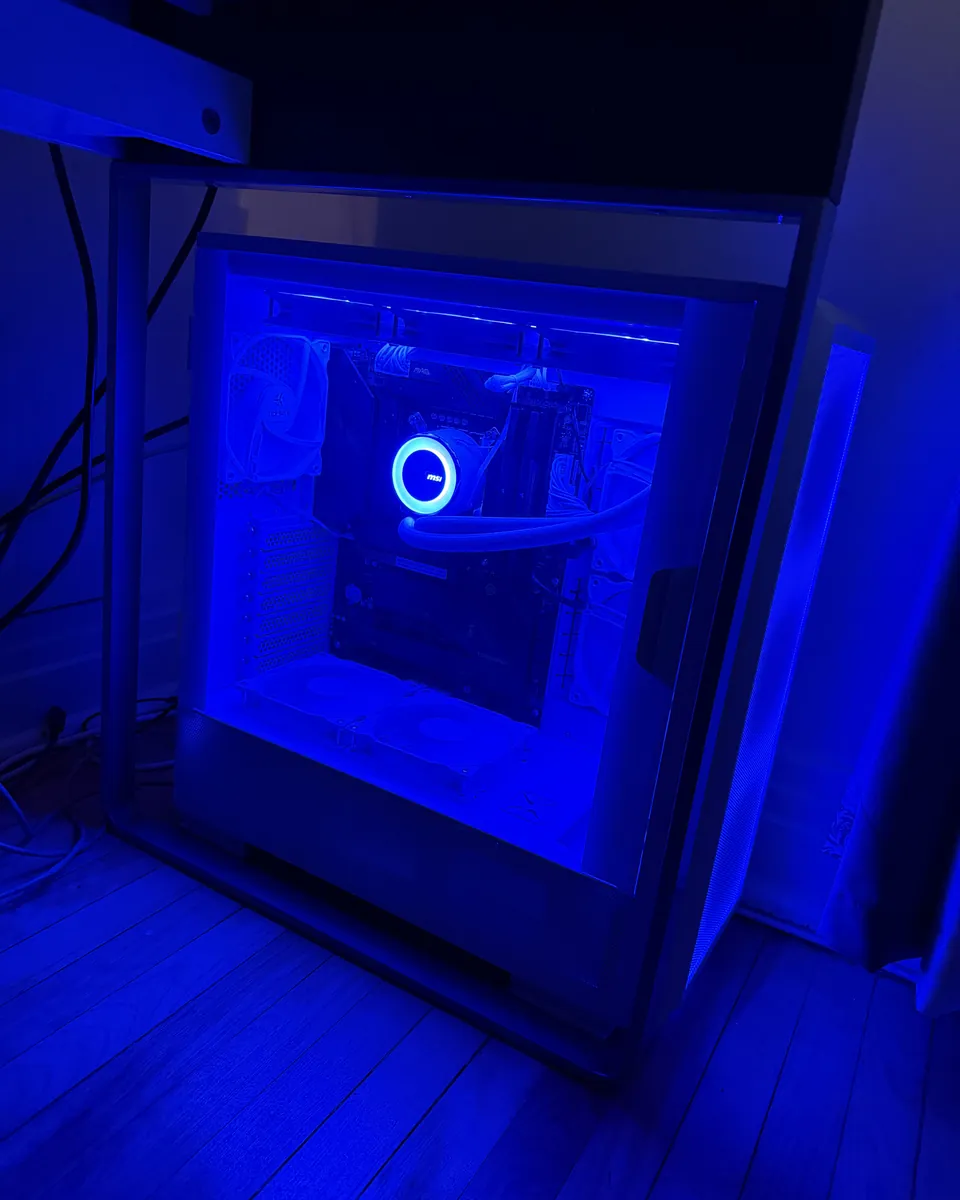
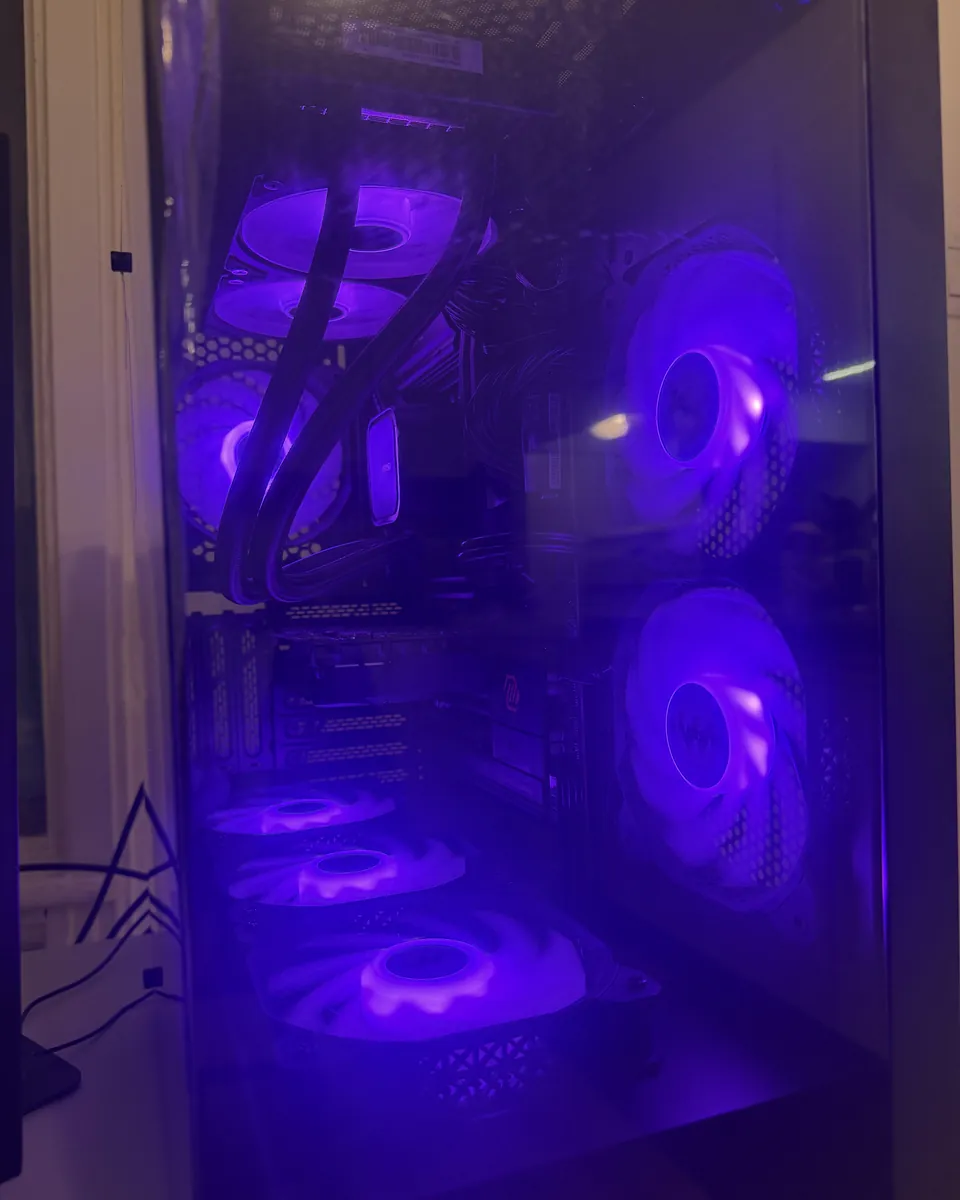
Here are a few examples of my builds
These photos lean into RGB lighting, but the colours and style are fully adjustable: understated and professional, clean white, subtle blue, full RGB, or minimal lighting.
Who builds your computer
A personal service from first message to follow-up
My name is Mathieu. I like understanding what a computer will really be used for, choosing the right parts, and delivering a build I am proud of. I work on one project at a time, with the same care I would put into my own system.
One of my first complete projects was a multi-monitor trading workstation. From component selection to client-site installation, that project confirmed there was room for a more attentive service than buying a prebuilt machine from a big-box store.
FAQ
What to know before we start
Does the package price include the parts?
No, the package covers my labour: component selection, assembly, configuration, testing, and support. Parts are extra. You can buy them yourself or have me supply them at cost, on the same invoice, with labour listed separately. A complete project usually lands between $1,500 and $8,000 or more, depending on the part tier you choose.
Do I need to buy the parts myself?
No. I can prepare a turnkey project and provide a single invoice, with components at cost and labour clearly separated. You can also buy or reuse certain parts; I verify compatibility before the quote.
Do the price ranges include parts?
Yes, the ranges give a rough idea of the complete project with parts and labour. The exact amount depends on available components, monitors or peripherals to include, and applicable taxes.
How long does it take to receive my PC?
The timeline mostly depends on component availability and delivery. Once the configuration is approved and the deposit is paid, I give you a realistic assembly and installation date.
Can I request or reuse specific parts?
Yes. I include your preferences when the parts make sense for the rest of the build. If you already own certain components, I verify compatibility and condition before including them in the quote.
What happens if a part fails?
Each component keeps its manufacturer warranty, and my assembly work is guaranteed by me. If a part fails, I walk you through the basic tests to confirm where the problem is, then tell you who to contact and what to send. Keep your purchase invoices: the manufacturer asks for them to process a claim.
What is the difference between Gaming, Trading, and AI-Box?
The Gaming package targets a ready-to-play system, from 1440p up to 4K depending on budget. The Trading package adds calibration and cabling for three to six displays. The AI-Box is a more specialized workstation for local LLMs or AI workloads with one or two GPUs.
Does an AI-Box cost more than a gaming PC?
Often yes, because case choice, power supply, cooling, and GPU planning become more critical. The final price depends mainly on GPU count, target VRAM, and the level of silence or stability required.
Do you install systems outside Montreal?
Yes, generally up to about one hour away. The first 20 km are included; beyond that, travel is $1/km round trip. For longer distances, I confirm the fee before the quote.
How do you test a trading workstation?
The Trading package includes extended system and multi-display testing. The goal is to catch issues in my workshop before installation, not during a market session.
Next step
Tell me about your project
Send me your use case, total budget, and, if you know them, the games, software, displays, or parts you want to use. I will reply with the next steps and a clear price.
Last updated: September 3, 2026 · By Mathieu, L'Atelier PC